How to Stop Burning Tokens: Context Windows, Memory, and the Workspace That Runs Itself
Every AI session that starts from scratch wastes tokens. Here's the 3-part system that fixes it.
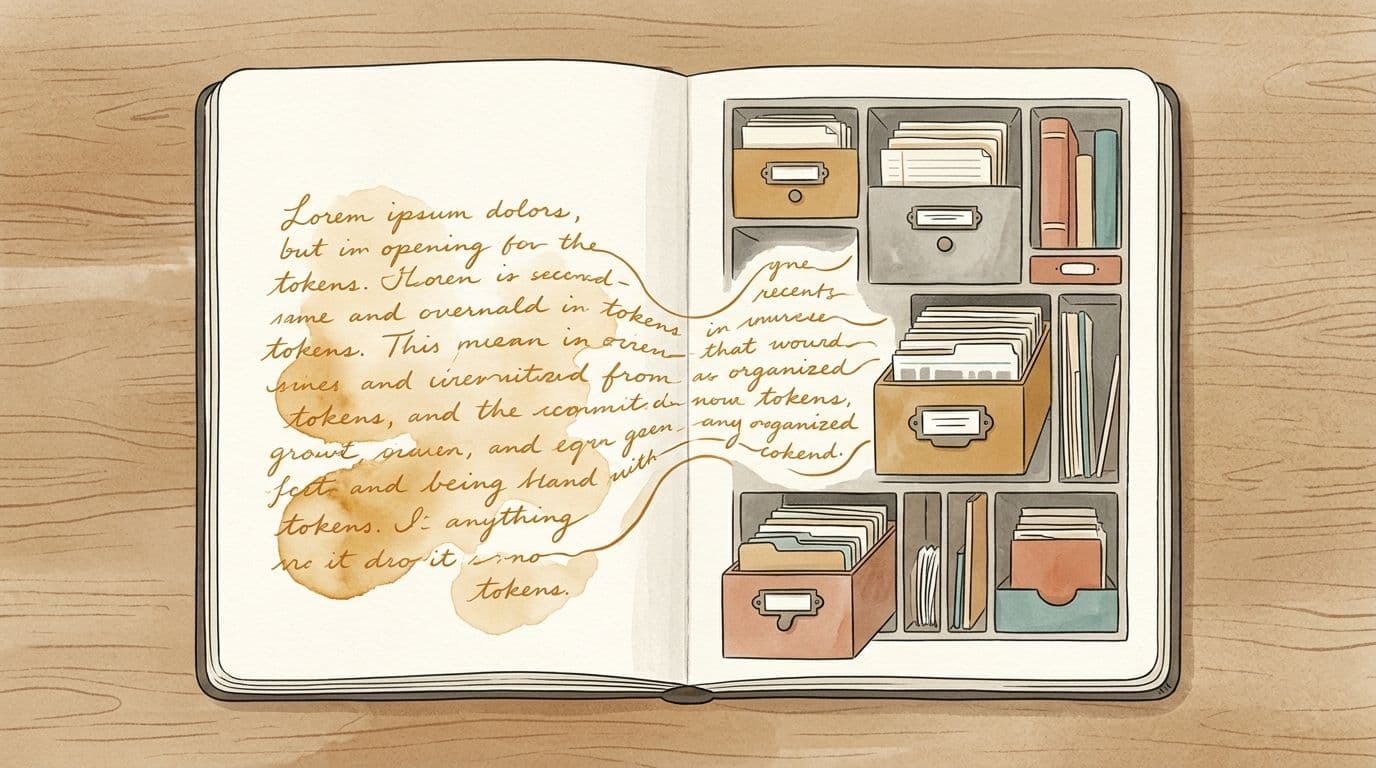
Summary: Stop Burning Tokens with a Smarter Claude Workspace
You’re losing tokens every time you re-explain who you are, what you’re building, and how you like to work. The fix isn’t a different model; it’s a persistent workspace that Claude can reliably return to instead of rebuilding from scratch.
The system has three pillars plus an optional power feature:
- Context window = the desk
- Everything Claude can see right now: current messages, open files, recent code, etc.
- It has a hard size limit. When it fills, older content falls off.
- Repeating your name, project, and preferences wastes this limited space and costs tokens.
- Memory files = the filing cabinet
- Documents Claude reads automatically at the start of every session.
- They store persistent facts so you never re-introduce yourself:
- Who you are (e.g., financial planner in Hong Kong building AI tools).
- What you’re working on (projects, IDs, URLs, tech stack).
- How you work (style, constraints, preferences, banned tools).
- Mistakes not to repeat (e.g., never generate AI images of real people after a bad result).
- Over time, this becomes a living knowledge base of your preferences and corrections.
- CLAUDE.md = the instruction manual
- A file at the root of your workspace that Claude reads first every session.
- It encodes your operating rules, not just suggestions:
- Read the latest handoff note at session start.
- Keep main context at ~50–60%; push heavy work to subagents.
- Technical rules (e.g., never use
force-dynamicon content pages). - Business rules (e.g., translate every blog post to Chinese before publishing).
- You describe outcomes, not implementations (e.g., “page updates every few hours without full rebuild” instead of “use ISR with revalidation”). Claude chooses the tech.
- Handoff notes = the bookmark
- At the end of each session, Claude writes a concise handoff note:
- What was done.
- What’s next.
- What’s blocked.
- Key decisions made.
- At the next session, Claude reads this first, so it resumes exactly where you left off.
- This prevents the “where were we?” tax and eliminates most re-explanation.
- Subagents (MAX plan) = parallel desks that protect the main one
- Separate Claude processes with their own context windows.
- Use them for heavy, self-contained tasks:
- Auditing many files.
- Translating long posts.
- Generating repurposed assets (e.g., carousels).
- Your main context stays lean and focused while subagents do the bulk work and return summaries.
Minimal Setup to Get This Working
You don’t need a complex system. You just need a consistent workspace and two templates.
- Create a workspace folder
- Example:
~/Documents/ClaudeMac. - This becomes the single base directory for your Claude Code sessions.
- Add
CLAUDE.mdat the root
- Describe:
- Who you are.
- What you’re building.
- How you want Claude to behave.
- Keep it under ~100 lines so it’s cheap and fast to load.
- Add a structure template
- A file that describes the folders and files you want Claude to create:
- Memory files.
- Handoff notes directory.
- Session logs.
- Tell Claude: “Read this structure template and set everything up.” It scaffolds the system for you.
- Point Claude Code at this folder
- In Claude Code, choose this folder as the base directory.
- From then on, every session:
- Reads
CLAUDE.md. - Uses and updates memory files.
- Writes and reads handoff notes.
The workspace gets smarter with every correction and every session. You stop paying to rebuild context and start paying only for new work.
Core Takeaways
- Context window is your desk.
Keep it clean. Don’t waste it on identity, project basics, or stable preferences.
- Memory files are your filing cabinet.
Persistent, organized, and automatically loaded. Put all repeatable information here.
- Handoff notes are your bookmark.
End each session with a short handoff; start the next by reading it. This alone cuts a huge amount of token waste.
- Subagents keep the desk from overflowing.
Offload heavy, parallelizable work so your main context stays lean and coherent.
Organizing your workspace around Claude matters more than which model you pick. Stop rebuilding your office every day. Make Claude walk back into the same one, already set up, and just continue where you left off.
Enjoyed this post?
Get new guides and tools delivered to your inbox every week.