I Bought a New Mac Mini to Build My Own AI Assistant — And It Was Way Harder Than It Should Have Been
Three days, dozens of errors, and zero technical background. This is what it actually takes to run your own AI.
By Jonathan Lee
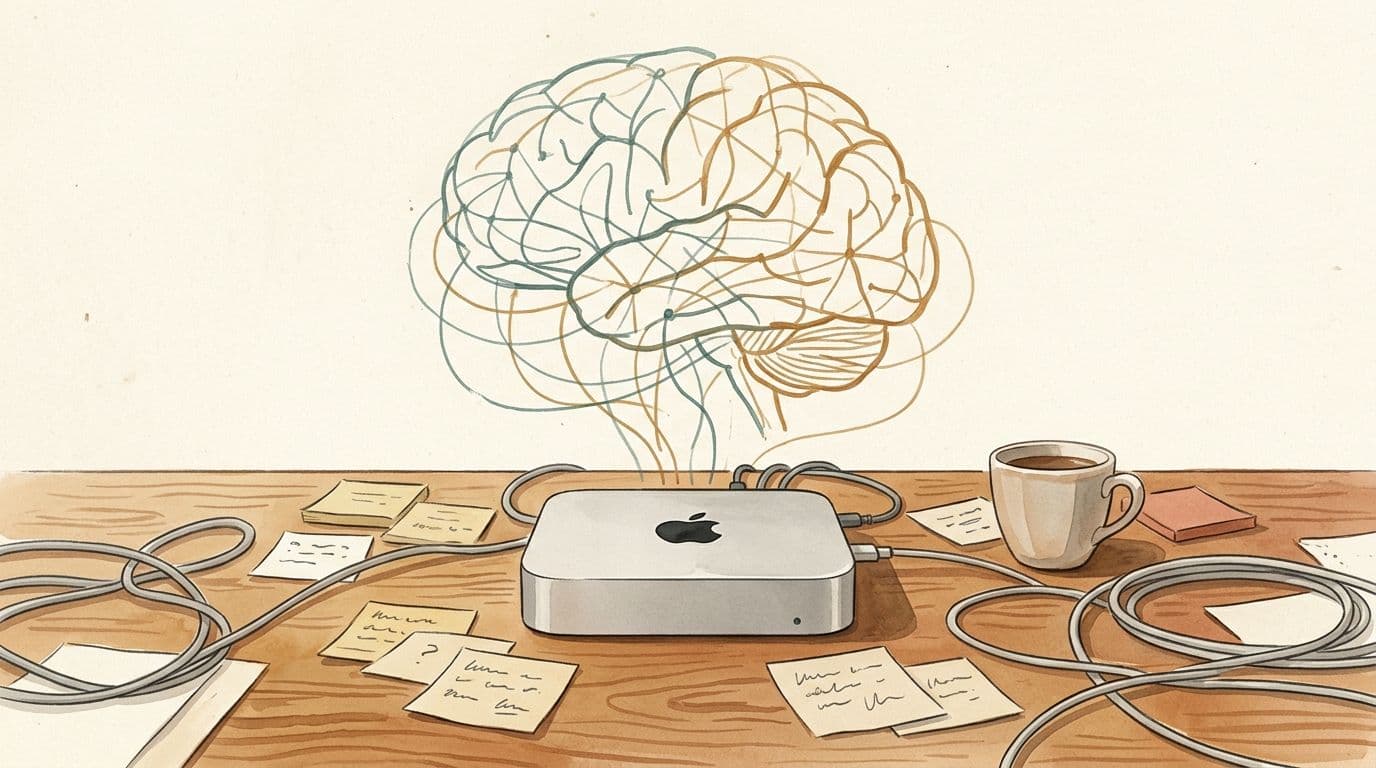
Setting up a local AI assistant on a Mac Mini with OpenClaw and Ollama took me three days of troubleshooting Homebrew, Node.js, memory configuration, and model compatibility. Here is exactly what went wrong and how I fixed each problem — so you can skip the pain.
I’m not gonna lie: I didn’t just “install” OpenClaw. I earned it. I bought a brand new Mac Mini specifically for this. Fresh machine, fresh start. How hard can it be? Spoiler: I was so wrong.
The “Basic Stuff” That Wasn’t Basic
First hurdle: I don’t have a technical background. When people said “just install Homebrew” or “you need Node.js” — I had no idea what any of that meant. Stack Overflow threads assumed I knew things I didn’t. YouTube tutorials skipped the “obvious” steps. It took me ages just to figure out the foundation. Package managers? Command line tools? What even is a terminal? Everything that seemed “basic” to developers was completely new to me.
The Memory & File Structure Rabbit Hole
Before I even got to errors, I had to learn how OpenClaw thinks. What’s a workspace? How do I set up memory files? What’s the difference between MEMORY.md and daily memory files? I spent hours figuring out:
- How to structure my workspace folders
- How to set up persistent memory so the AI actually remembers things between sessions
- How to organize files so I could find anything later
It felt like learning a whole new language just to have a conversation.
If you’re just getting started with AI tools, check out the rest of the blog for more beginner-friendly guides.
But I Got It Running... Sort Of
I pushed through. Got Homebrew installed. Got Node.js working. Figured out the file structure. Thought I was finally there. Still didn’t work. Why? Because I needed a model that could actually see my terminal and edit files. Not just chat — I needed something that could read my screen, run commands, make changes.
That’s when the real problems started.
Who Do You Even Ask?
So here I am, stuck. And who do I ask for help? I tried asking regular AI chatbots. But they didn’t understand what I was going through — or more importantly, I didn’t understand what they were telling me. They’d say things like “just run this npm command” and I’d be like... where? In what terminal? How do I even open one of those?
And I couldn’t even buy my way out of this. No credit card that works for international subscriptions. No way to pay for the “easy” solutions. I was stuck with whatever I could get for free, whatever was available in Hong Kong, and whatever I could figure out on my own.
The Money Problem
I’m in Hong Kong, and I can’t subscribe to paid services. Claude Code? Not available here. Antigravity? I couldn’t even download it — needed extra steps just to get it on my machine. Most free options just couldn’t do what I needed. They could chat, sure. But looking at my terminal files and actually making things work? That required something more. So I cobbled together what I could:
- Antigravity (my only option that could actually see and edit files)
- Gemini Flash (free, for the parts it could handle)
- Claude Code (eventually got working through sheer stubbornness)
Basically: I had to piece together whatever was free, whatever I could access, whatever wouldn’t block me geographically.
The Errors Kept Coming
Then the OpenClaw errors started:
- “Unrecognized key: heartbeat” — cool, let me remove that
- Config reloaded... and reloaded... and reloaded. Gateway restarted 6 times in the first hour.
- “plugins.allow is empty” — okay, noted? Is this a problem? Do I need to fix this?
- “[tools] message failed: Channel is required” — I had Discord connected. But “connected” and “able to send messages” are apparently different things.
Each error was a detour. Each detour took hours of Googling, reading logs, and trying things that might not work.
But It Finally Works
After all that:
- Discord connected
- Web UI running
- Memory and context working
- Custom tools for file management
- AI running locally, reachable from my phone
The Bottom Line
OpenClaw isn’t a “download and go” tool. It’s a builder’s tool. You need to:
- Read logs (they actually help, eventually)
- Figure out file structure and memory
- Tinker with config
- Understand the pieces
- ...and have zero financial resources and live in the wrong geography
But once it’s running? It’s magic. I can text my AI from Discord. From WhatsApp. From anywhere. And it lives on my machine. My data. My rules.
I write about this journey every week — subscribe to the newsletter to follow along, or learn more about me and why I started ThinkingWithJon.
If you’ve ever wanted your own AI that’s actually yours — not a subscription, not a cloud service, not blocked by where you live — it’s worth the struggle.
Enjoyed this post?
Get new guides and tools delivered to your inbox every week.